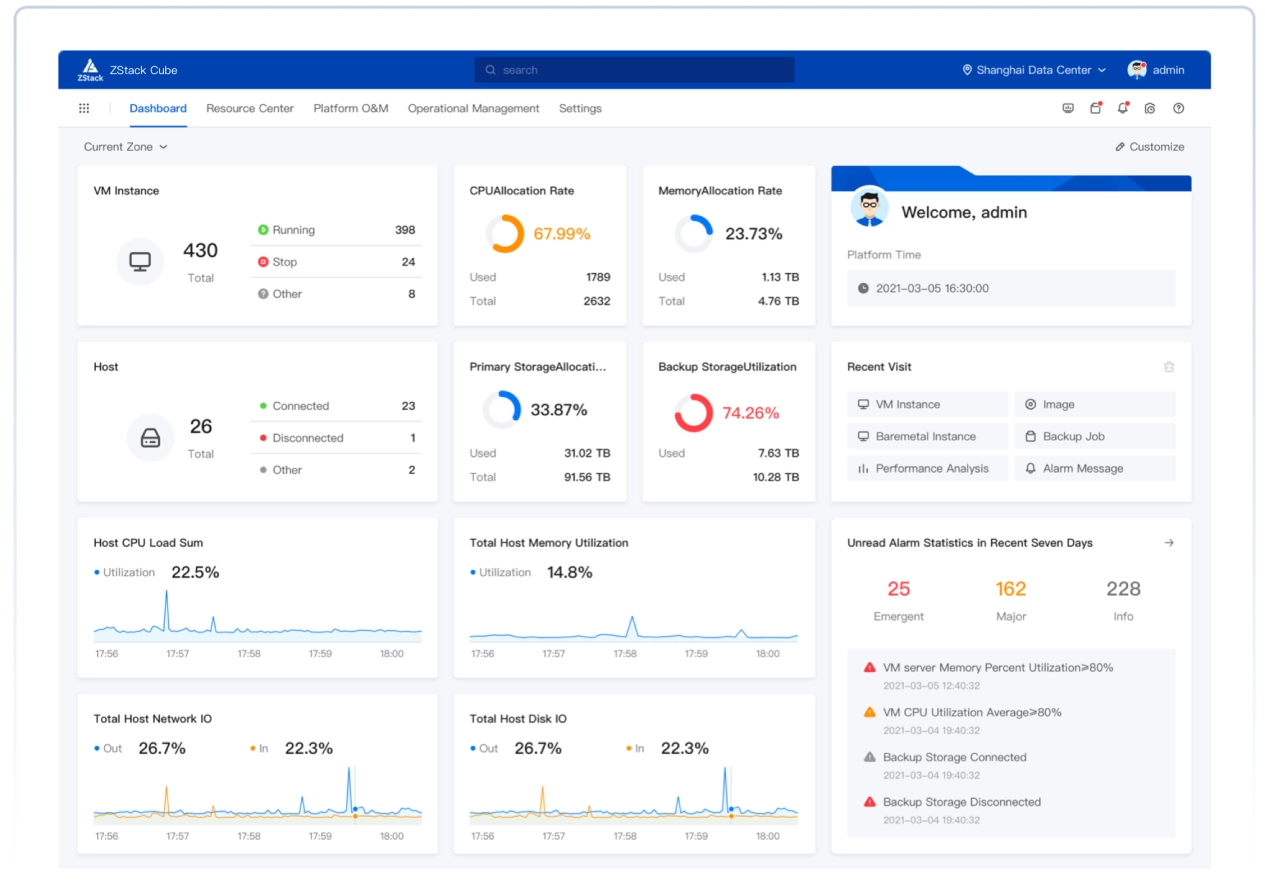
ZStack Cloud Platform
Single Server, Free Trial for One Year

Comprehensive product documentation and tools

Upholding the value of Customer First and the mission of Serving Customer, ZStack is dedicated to providing secure and stable services for customers.

To educate ZStack partners and interested individuals about cloud computing and to cultivate cloud computing talent.

ZStack provides innovative cloud infrastructure for ten major industries
The report provides three major
solutions and customer case studies for transitioning from VMware to ZStack.
 Note: After you download the software packages, check the MD5 hash by using a MD5 checker to verify software integrity.
| Device | Configuration Requirements |
|---|---|
| Server |
|
| Network Switch |
|
Open Rufus, select Disk or ISO image (Please select) from the Boot selection drop-down list, and click the Select button to open the downloaded ISO image file.

After you select the ISO image, use default settings, and choose Start.
 Note: Before you burn the image file, make sure that you backup the data on the U disk.